


The studio issue · No. 37
A couple books you at two. You are shooting at two
By Jide Odukoya, FounderUpdated 4 min read3 problems
A couple books a consultation for Saturday at two. You're shooting a wedding at two.
Three problems a lot of creatives know well. Each one is below, with what bckendIQ did about it. Every other change from the week sits at the bottom, closed.
Problem 1
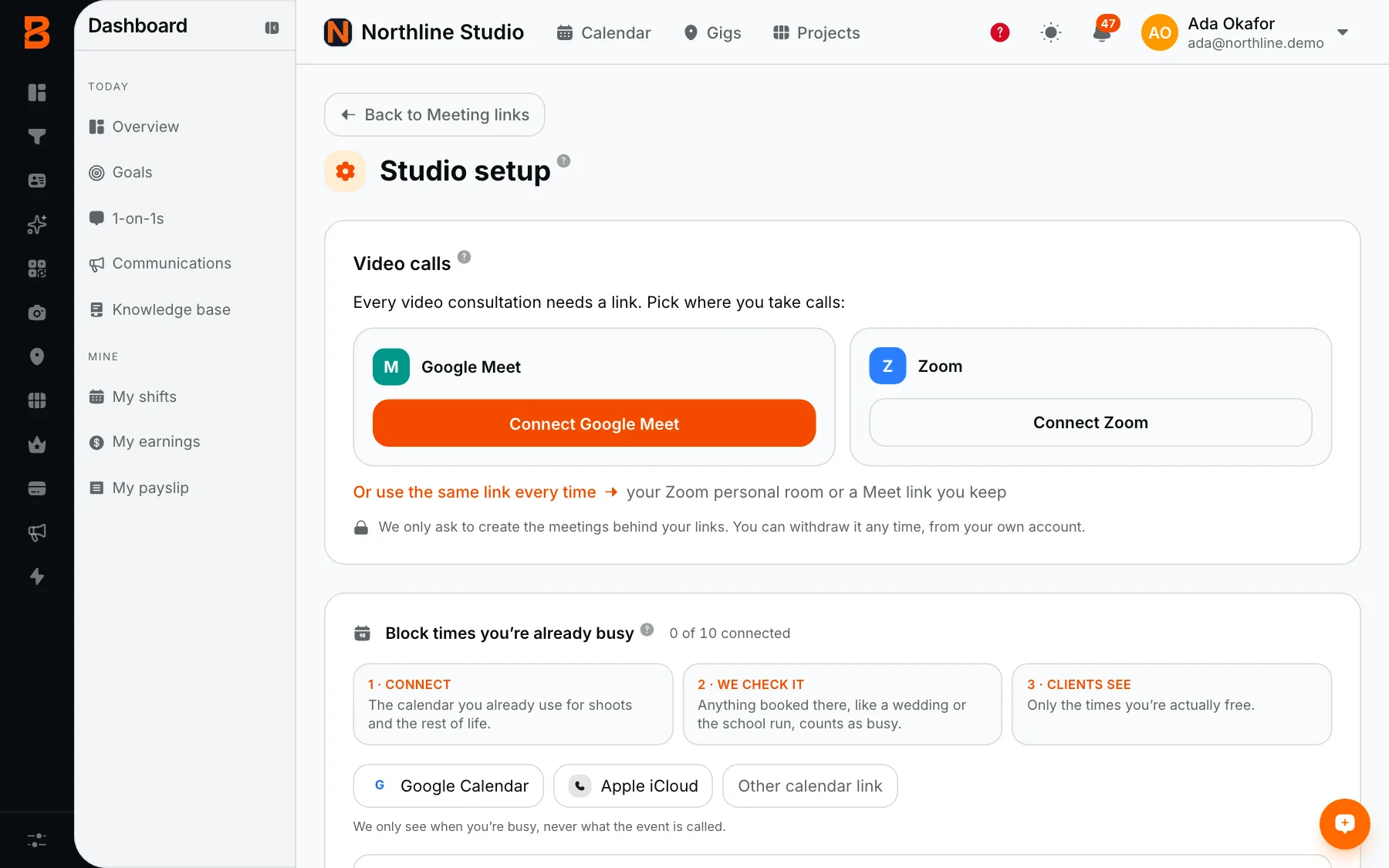
Your booking link offers hours you are out shooting
A couple books a consultation for Saturday at two. You are shooting a wedding at two. You find out when they turn up.
“It worked at first, but when I looked at my calendar this morning, it shows that I am available on days that I´m not, and at times that I´m not.”

How bckendIQ solves it. Your booking link knows when you are busy. Anything busy on your calendar, or booked in bckendIQ, comes off your link.
Problem 2
The retainer is paid and the date is still not booked
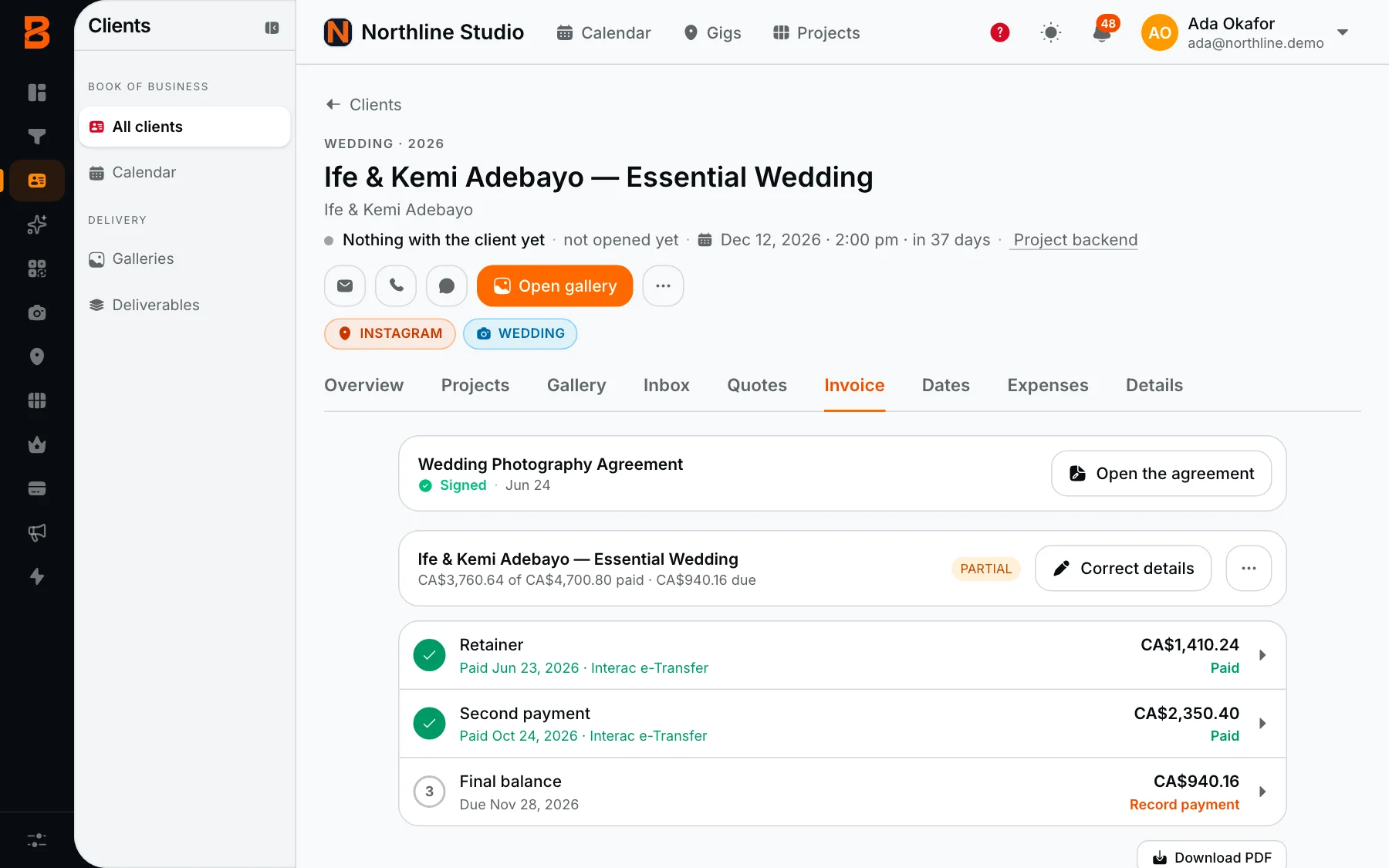
The couple pays the retainer. Then the date, the job and the crew wait on a to do list that only you can remember. In between, the couple wonders if they are booked.
How bckendIQ solves it. When a couple pays the first part of their plan, they become a client at once. Your date, job and project wait until you countersign, and then the booking confirms itself. Every email and WhatsApp with the couple sits in one thread, with a reply box.
Problem 3
You do not know where your clients came from
Was it Instagram, a referral or your own website? ShootProof's 2026 survey of 4,916 photographers found 39% name finding clients as a main source of pressure.
“Had we not been tracking our inquiries, I suspect I would have overestimated the importance of Instagram simply because it's more visible.”

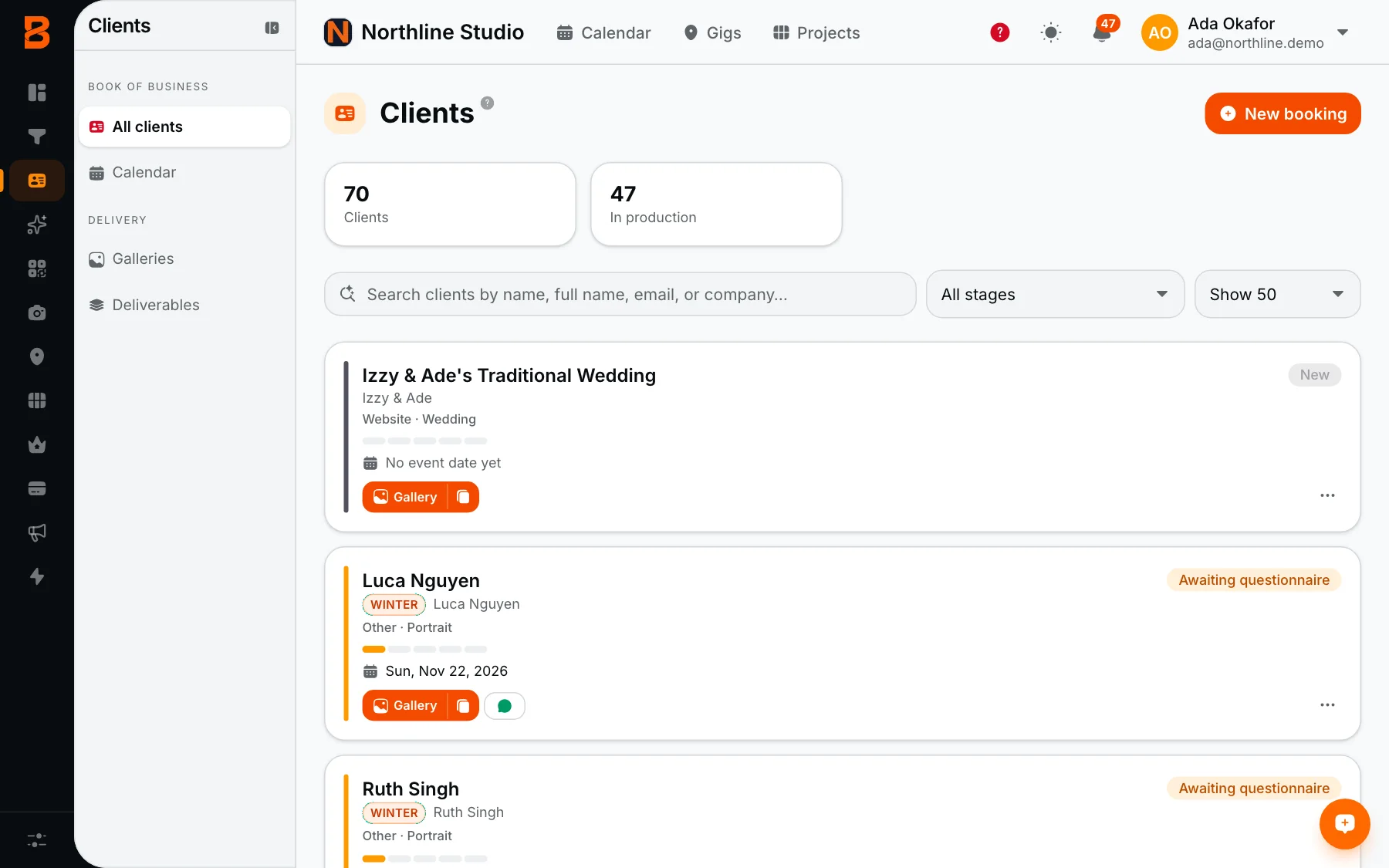
How bckendIQ solves it. Tag your link for each place you post it, and every client keeps that source. You see where each one came from.
Every change this week (18)
A booking link that knows when you're busy
Anything busy on your calendar, or booked in bckendIQ, comes off your link.
Open it in bckendIQ →Message a couple straight from their enquiry
Every email and WhatsApp with the couple sits in one thread, with a reply box.
Open it in bckendIQ →Every menu section is now its own permission
Financials, Marketing and Automation start with the Owner, CEO, CMO and Administrator only, until you tick the box.
Open it in bckendIQ →A paid retainer now confirms the booking
Once a couple signs and pays the first part of their plan, the booking confirms itself.
Open it in bckendIQ →Know where every client came from
Tag your link for each place you post it, and every client keeps that source.
Open it in bckendIQ →Attached galleries now reach the client's portal
Attach a published gallery to a client, and it shows in their portal.
Open it in bckendIQ →Your own reasons for late delivery, and a report
Write your own reasons a project ran late, and a report ranks them.
Open it in bckendIQ →Lead imports keep names, phones and countries
Imported spreadsheets now read each column correctly.
Open it in bckendIQ →Financials files each booking under what was sold
A wedding couple's later photoshoot now counts as portrait money.
Open it in bckendIQ →Shoot types are now your studio's own list
The "What it's for" list now holds only your words.
Open it in bckendIQ →Write your contract from the Leads menu
Have AI draft a contract, upload your own, or start blank, then edit it.
Open it in bckendIQ →Uploads now count files, not just percent
Upload bars now read like "47% · 12 of 340 files".
Open it in bckendIQ →The phone timeline shows your whole team
On a phone, the Gantt scrolls into past weeks and shows full names.
Open it in bckendIQ →Smaller fixes across Projects
Forms no longer hide under a phone's clock.
Open it in bckendIQ →Any phone number now saves on an enquiry
Numbers pasted from Contacts, even with extensions, now save.
Open it in bckendIQ →The Home Screen app now shows every brand
The iPhone app now lists every brand you belong to.
Open it in bckendIQ →The new bckendIQ logo, everywhere
The new logo now shows on the website, sign-in, the app and our emails.
Questions about this week
- How do I know where my clients come from?
- Tag your booking link for each place you post it, such as Instagram or a wedding fair. Every client keeps that source.
- Which calendars can block my booking link?
- An iCal feed or an Apple iCloud calendar.
- Can staff work with clients without seeing money?
- Yes. Give them Clients without Financials.
bckendIQ runs enquiries, contracts, payments, galleries and crew for photo and video studios, in one place. Start free, no card needed →