


The studio issue · No. 40
The couple sent their favourites. Now you copy filenames
By Jide Odukoya, FounderUpdated 4 min read3 problems
The couple sent their favourites. Now you're copying filenames into Lightroom one at a time.
Three problems a lot of creatives know well. Each one is below, with what bckendIQ did about it. Every other change from the week sits at the bottom, closed.
Problem 1
The couple sent their favourites, and you copy filenames by hand
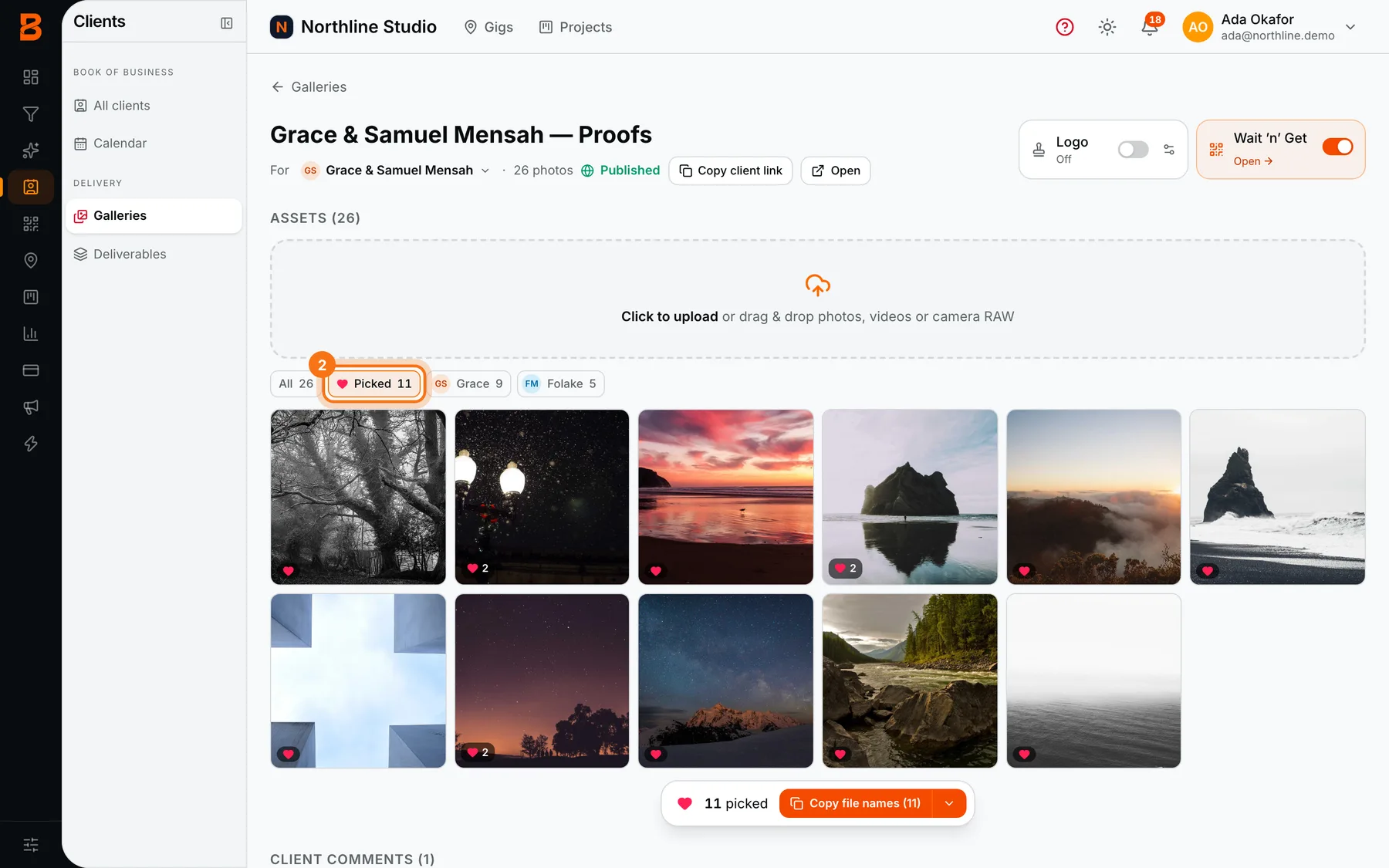
The couple choose their photos and send you a list of file numbers. You type each one into Lightroom to find it. It is slow, and easy to get wrong.
“I'm unable to copy favorite file numbers from a client and using find within LR to sort through that list. No photos end up getting sorted.”

How bckendIQ solves it. The Lightroom Classic plug-in gathers your client's picks from your RAWs into one collection. No filenames to retype.
Problem 2
A mini session weekend runs on forms, files and messages
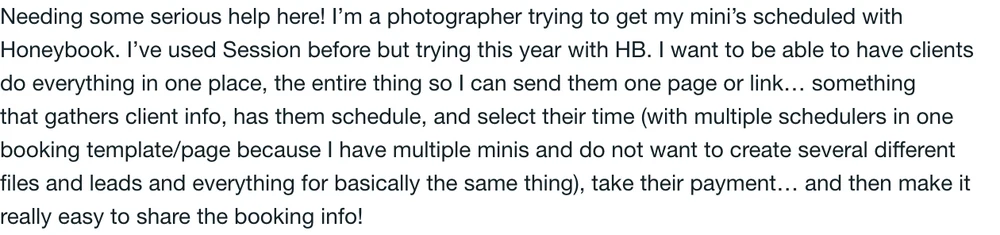
You offer short sessions for one weekend. Every client needs a time, a payment and a reminder. You end up with several files and leads for what is really one event.
“I have multiple minis and do not want to create several different files and leads and everything for basically the same thing”
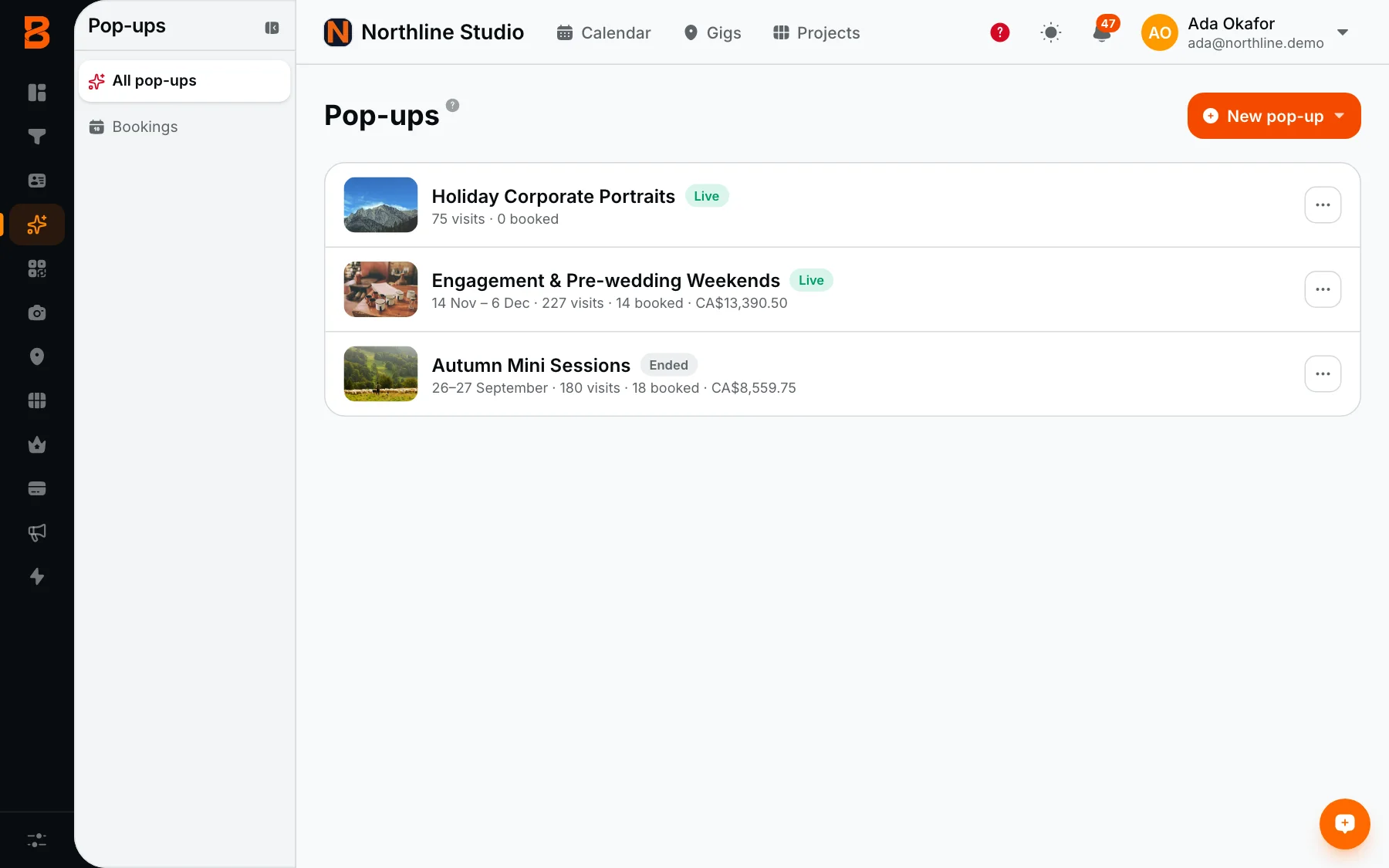
How bckendIQ solves it. A pop up is one page for a short run of sessions. Clients pick a session, pay on your own Stripe, and arrive booked.
Problem 3
Anyone who holds the link can open your client's gallery
You send a gallery link to a couple. They forward it to the family group. Now far more people can see photos meant for two.
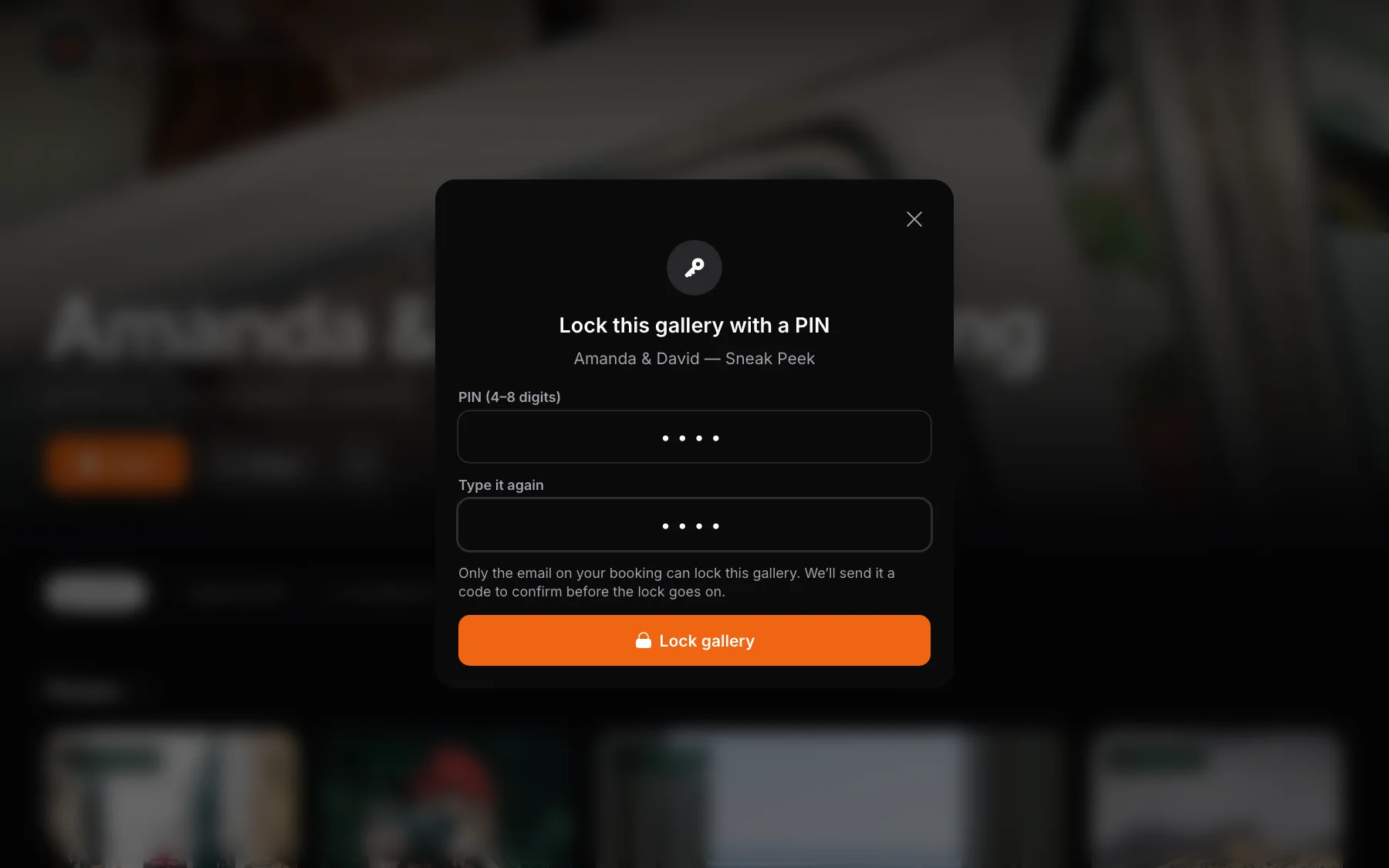
How bckendIQ solves it. Clients can lock any gallery with their own PIN. Anyone else holding the link sees only the title until the PIN is entered. Your logo also sits over each film as it plays, and is burned into the download.
Every change this week (22)
Pop-ups: one page for a short run of sessions
Clients pick a session, pay on your own Stripe, and arrive booked.
Open it in bckendIQ →Client picks go straight into Lightroom
The Lightroom Classic plug-in gathers their picks from your RAWs into one collection.
Open it in bckendIQ →Clients can lock any gallery with their own PIN
Others holding the link see only the title until the PIN is entered.
Open it in bckendIQ →Your logo now goes on the film too
Your logo sits over each film as it plays, and is burned into the download.
Open it in bckendIQ →Every Wait ’n’ Get gallery gets a page of its own
Wait ’n’ Get and Guest Upload Gallery now have their own pages.
Open it in bckendIQ →Print a QR card in your logo and colour
Put your logo and colour in each event's QR, then print a table card.
Open it in bckendIQ →Gallery links now preview as one of the photos
A link sent on WhatsApp now shows one of the event's photos.
Open it in bckendIQ →One client link: the whole gallery, booking underneath
Every event, film and album opens in one place, with payments below.
Open it in bckendIQ →Record a payment from the client's Invoice tab
Press Record payment on any agreed payment, and the receipt is emailed.
Open it in bckendIQ →Google Meet or Zoom in one click
Connect either with one button, and confirmation emails carry the join link.
Open it in bckendIQ →New hires' paperwork arrives already 90% filled in
The offer letter, NDA and handbook open prefilled with your company's answers.
Open it in bckendIQ →See each guest's phone, views and saves
Click a guest to see how many photos of them were found and what they saved.
Open it in bckendIQ →Clients can send a second selection
Clients can change their picks and send again, and you hear about it.
Open it in bckendIQ →Add a rehearsal dinner or engagement shoot to bookings
Add any day with its own name and time on the Dates tab.
Open it in bckendIQ →Promote someone in one step, with a career history
Change job, access and pay in one step, and it joins their career history.
Open it in bckendIQ →Tidier project board, and a Timeline without end
Empty stages fold away, and late jobs read “4 days late”.
Open it in bckendIQ →Guest uploads go faster and survive a reload
Small files go first, and a half-sent video picks up where it stopped.
Open it in bckendIQ →The top bar shows your studio and its setup
A Setup ring beside the bell links to each missing step.
Open it in bckendIQ →Your own previews no longer count as the client's
Opening a client's gallery yourself no longer counts as the client opening it.
Open it in bckendIQ →A new homepage, and a clearer price page
The homepage follows one wedding from first message to gallery.
See it →Smaller fixes across bookings and forms
A ₦25.99 million booking now saves at its real total.
Open it in bckendIQ →
Questions about this week
- How do I sell mini sessions without a dozen messages per family?
- Put them on one pop-up page. Clients pick a session, pay on your own Stripe, and arrive booked.
- Which Lightroom does the plug-in work with?
- Lightroom Classic.
- Where does the money from a pop-up go?
- To your own Stripe account, when the client books.
- Who sets a gallery PIN?
- The client, after confirming their booking email.
bckendIQ runs enquiries, contracts, payments, galleries and crew for photo and video studios, in one place. Start free, no card needed →